

Now Reading: 10 Smartphone Hacks to Boost Your Battery Life
-
01
10 Smartphone Hacks to Boost Your Battery Life


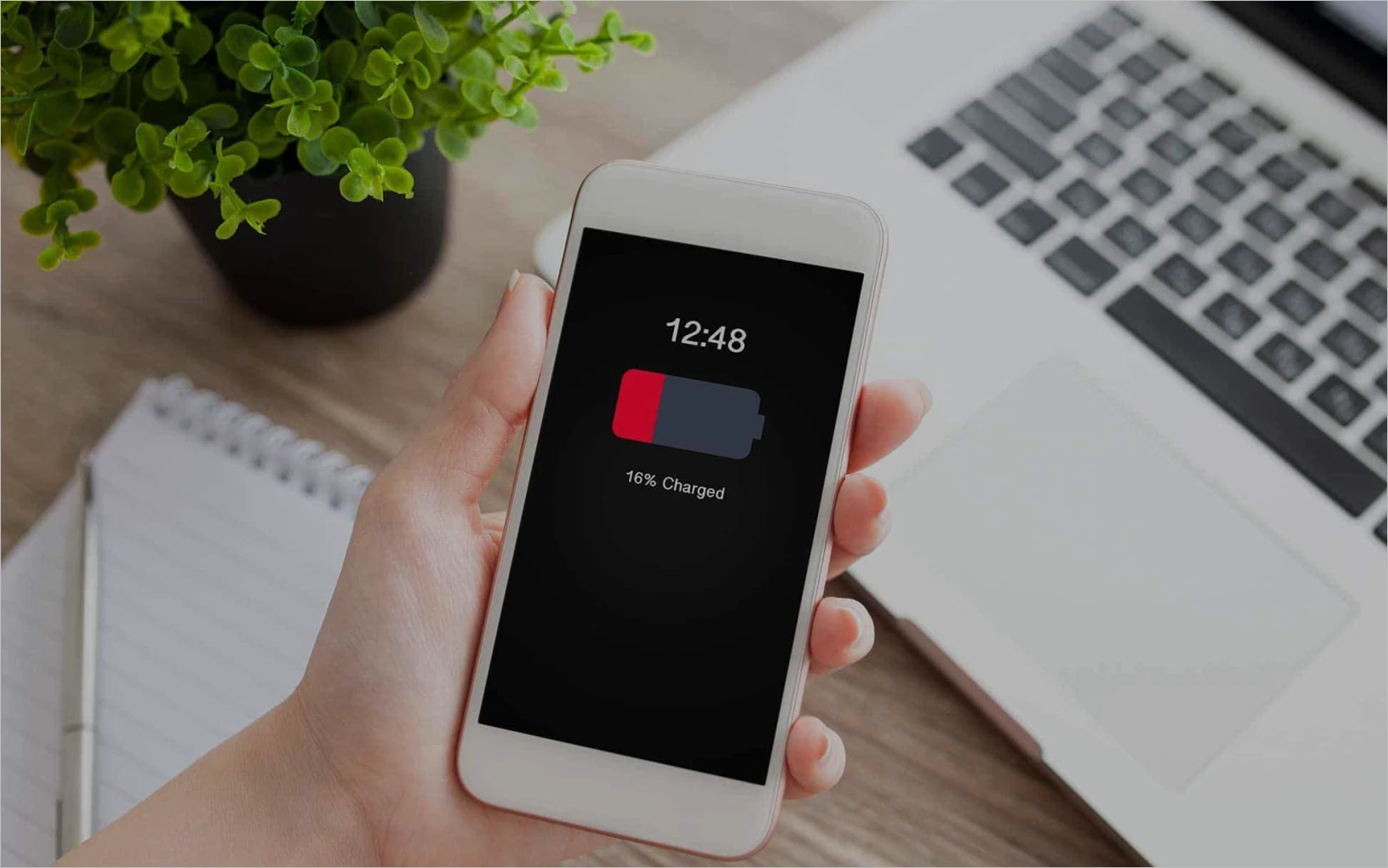
Discover 10 simple smartphone hacks to extend your battery life, save power, and keep your phone running longer—no tech skills needed!
Let’s face it: nothing is more frustrating than watching your smartphone battery drain faster than your morning coffee. Whether you’re on a road trip, in the middle of an important call, or simply forgot your charger at home, running out of battery is a modern-day inconvenience we could all live without.
The good news? You don’t need a brand-new phone or a high-tech power bank to fix the problem. With a few smart tweaks and habits, you can significantly extend your battery life. In this post, we’ll explore practical smartphone hacks everyone should know to make the most out of every charge—without sacrificing functionality.
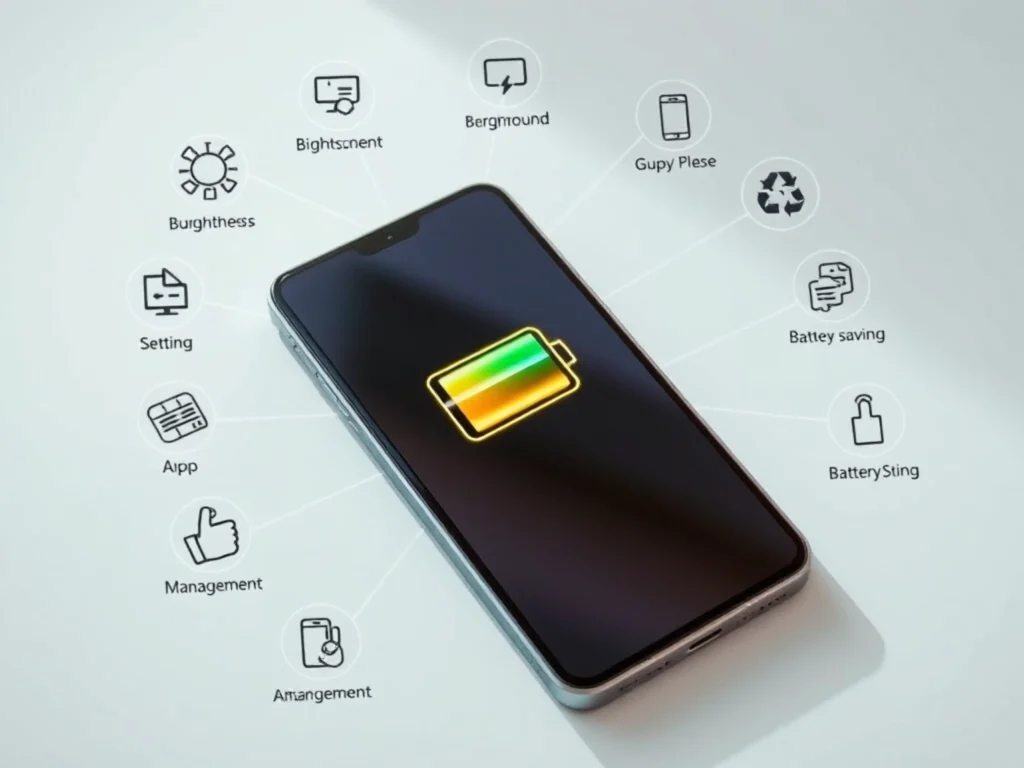
1. Turn Off Features You Don’t Use
Modern smartphones come loaded with features that constantly run in the background—even when you’re not using them.
Quick Fixes:
- Bluetooth: If you’re not using wireless earbuds or a smartwatch, turn it off.
- Location Services: Disable location tracking for apps that don’t need it.
- Wi-Fi and Mobile Data: Turn off Wi-Fi when you’re out, and mobile data when you’re connected to Wi-Fi.
- NFC and Hotspot: These are rarely used constantly and drain battery when left on.
These small adjustments can save hours of battery over the course of a day.
2. Adjust Screen Brightness and Timeout Settings
Your screen is one of the biggest battery hogs. That ultra-bright display may look great, but it’s a silent killer of battery life.
What to Do:
- Enable Auto-Brightness: This adjusts your screen based on lighting conditions.
- Manually Lower Brightness: Especially indoors, your phone doesn’t need to be blinding.
- Reduce Screen Timeout: Set your screen to turn off after 15–30 seconds of inactivity.
Not only does this save battery, but it also prevents accidental taps in your pocket or bag.
3. Use Battery Saver or Low Power Mode
Both Android and iOS devices come with built-in power-saving modes. Activating this mode can dramatically extend your battery, especially when you’re down to your last 20%.
Benefits of Battery Saver Mode:
- Limits background activity
- Reduces performance slightly to save power
- Disables visual effects and auto-sync
- Turns off location services and push notifications
You can also automate this setting to turn on when your battery reaches a certain percentage.
4. Close or Uninstall Unused Apps
You’d be surprised how many apps run in the background, quietly sipping your battery.
Steps to Take:
- Check Battery Usage: In your settings, view which apps are using the most power.
- Force Stop or Uninstall: Remove apps you haven’t used in weeks.
- Restrict Background Activity: For apps you want to keep, disable their ability to run in the background.
Streaming apps, games, and social media platforms are among the worst offenders.
5. Update Your Software and Apps
Yes, updates are annoying—but they’re often loaded with bug fixes and optimizations that improve battery performance.
Why It Matters:
- Developers constantly refine code to use less power
- Updates fix battery-draining bugs
- New OS features may offer better power management
Make sure both your system and apps are regularly updated, preferably over Wi-Fi and while charging.
6. Avoid Extreme Temperatures
Batteries don’t like being too hot or too cold. Extreme temperatures can cause permanent damage and significantly reduce your phone’s battery health over time.
Do This:
- Avoid leaving your phone in direct sunlight, especially in cars.
- Don’t use your phone while charging if it starts heating up.
- In winter, try to keep your phone in your pocket to maintain a stable temperature.
Heat in particular accelerates battery degradation, so this hack is about long-term battery life too.
7. Use Dark Mode (Especially on OLED Screens)
Dark Mode isn’t just easy on the eyes—it can actually save battery, especially on phones with OLED or AMOLED screens.
Why It Works:
OLED displays light up each pixel individually. Black pixels are essentially turned off, meaning less power is used when displaying darker themes.
Tips:
- Enable system-wide Dark Mode
- Use dark wallpapers and themes
- Switch your favorite apps to dark mode manually
Over time, these small tweaks can make a noticeable difference in battery usage.
8. Turn Off Vibrations and Haptics
It feels nice when your phone gives feedback through vibration—but every buzz costs power.
Hacks to Try:
- Turn off vibration for notifications and keypresses
- Disable haptic feedback in settings
- Use silent mode instead of vibrate whenever possible
Unless you need vibration for alerts, this is an easy way to extend your battery life with no downsides.
9. Use Airplane Mode in Low Signal Areas
When your phone struggles to find a signal, it works overtime—constantly searching for a connection. This drains your battery fast.
What You Can Do:
- If you’re in a no-service zone (e.g., basement, rural area), switch on Airplane Mode.
- Re-enable signal when you’re back in range.
This is especially useful when traveling or hiking in remote areas.
10. Charge Smarter, Not Just More Often
Charging habits play a big role in long-term battery health.
Smart Charging Tips:
- Don’t let your battery go to 0% regularly; aim to keep it between 20%–80%.
- Avoid overnight charging—trickle charging stresses the battery.
- Use certified chargers and cables to avoid overheating or damage.
- If your phone has optimized charging features, enable them.
Keeping your battery healthy ensures that every charge lasts longer.
Final Thoughts
Smartphones are powerful, but their batteries can only handle so much. With a few practical tweaks and smarter habits, you can squeeze more life out of your phone every day—and preserve your battery health for the long haul.
Whether it’s reducing screen brightness, turning off unused features, or charging more mindfully, each tip adds up to hours of extra use. The best part? Most of these hacks take seconds to apply, yet deliver lasting benefits.
So the next time you’re out and about with no charger in sight, you’ll know exactly what to do.
Enjoyed this article?
Share it with a friend who’s always looking for a charger! And for more helpful tech tips, lifestyle hacks, and trending stories, visit Dailyscatter.co.za.
Stay Informed With the Latest & Most Important News
Previous Post
Next Post











Advertisement



SpaceX Starship Launch 8: The Future of Space Exploration: […] SpaceX’s innovation isn’t just about rockets — it’s about opening new frontiers for humanity. As we watch this launch, we get a glimpse of a future filled with exploration, adventure, and discovery. Spaceflight is evolving fast, and Starship’s success will inspire generations to dream bigger. […]